
Intakes' Ingredients Edition
Plan & Token Requirements
Feature available in the following LogMeal Plans:
Accessible by the following User Types:
What It Does
Intakes' Ingredients Edition lets you correct or personalize any detected meal by:
- Editing the overall dish quantity (serving size); and
- Editing the list of ingredients and their individual quantities.
Ingredients can be selected from the LogMeal ingredient catalog, entered as free text, or added from a packaged product previously resolved with the Barcode Scanner.
If a weight is not provided for a regular LogMeal ingredient, the system uses its average serving size. For a barcode product, the serving size stored from OpenFoodFacts is used as the default. Free-text ingredients require an explicit weight.
Nutrition is recomputed automatically after confirmation so reports and diaries reflect what was actually eaten.
When to Use It / Outcomes
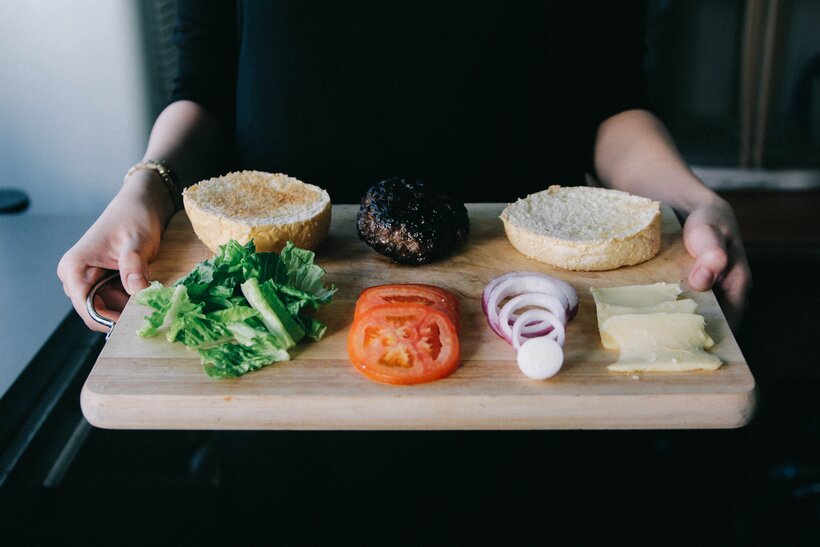
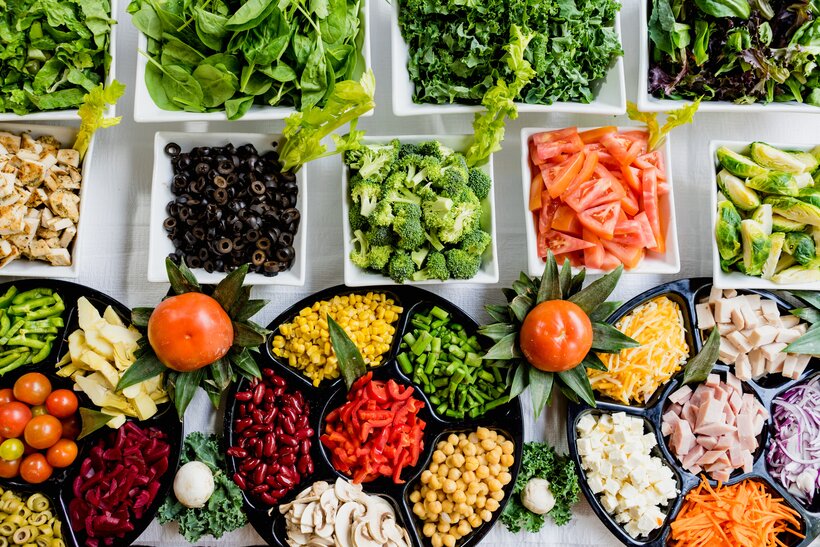
- You want users to tweak recognized dishes to match their real recipe (add/remove ingredients, adjust amounts).
- You need to correct serving sizes that differ from defaults or automatic estimates.
- You’re building a food diary and want accurate calories & nutrients after user confirmation.
- Output: the intake information is updated including the final dish quantity, per-ingredient list + weights, and updated nutritional facts.
Feature-Specific Details
- Works for single- or multi-dish intakes; confirmations apply per detected dish.
- Ingredient amounts are typically in grams; supported reference ingredients (e.g., salt/sugar/oil) can be swapped per user profile.
- If the serving size of the whole dish is changed, ingredient weights are scaled proportionally.
- If specific ingredient weights are provided, those are used as-is and nutrition is recomputed accordingly.
- Barcode products can be added as ingredients. First call POST /barcode_scan/{barcode_id} and use the returned
dish_idasbarcodeClassIdin the ingredient-confirmation request. The product's stored OpenFoodFacts nutritional values are scaled according to the quantity used in the dish. - Can be combined with Ingredients Information and Nutritional Information features to build end‑to‑end logging.
Related Endpoints
Use the following endpoints to confirm serving sizes and ingredient lists:
-
POST /nutrition/confirm/ingredients → 🔴 🔵 Confirm ingredients and their quantities for a dish in an intake.
-
POST /nutrition/confirm/quantity → 🔴 🔵 Confirm serving size (dish quantity) for a dish in an intake.
-
POST /barcode_scan/{barcode_id} → 🔴 Resolve a packaged product and obtain the
dish_idthat can be submitted asbarcodeClassId. -
Optional helpers:
- GET /dataset/ingredients → ⚫ 🔴 🔵 Retrieve the catalog of ingredients.
- GET /dataset/referenceIngredients → ⚫ 🔴 🔵 Retrieve reference ingredients (e.g., salt, sugar, oil).
Related Use Cases
Capture a meal photo, get top dish predictions, and let the user confirm/refine results before saving. Confirmations feed the food recognition personalization capabilities.
Retrieve standardized recipe ingredients and quantities for confirmed dishes from a food intake.
Adapt measures to user preferences (metric/imperial, cooking measures, portions) while keeping grams as the source of truth.
Implementation Examples (Recipes)
Follow these recipes to implement the previously mentioned flow:
Set profile data once to improve label language and regional dishes:
Send the image for segmentation to obtain regions and top dish candidates per region. Display the top 5 candidate dishes per region.
Retrieve the list of ingredients and quantities associated to the submitted intake.
Confirm and adjust the ingredients and their amounts.
Downloadable Code Examples
These recipes show the core steps in a few languages. For more language options (and complete runnable projects), see Ready-to-Use Code.
Updated about 1 month ago